

For the modern-day user tablets offer an excellent way of enjoying movies and shows conveniently on the go. They serve as an excellent compromise between laptops and smartphones. This is because they offer a big screen for watching content but remain lightweight while doing so. In this list, we will look at the best tablets for watching movies and shows.
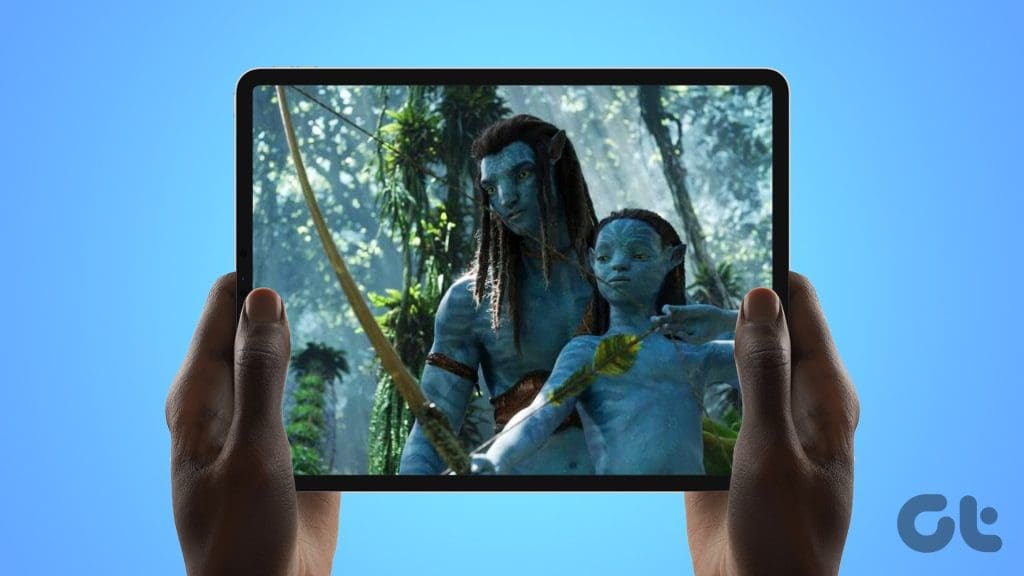
By their very nature, tablets make for good portable entertainment devices. They not only offer better visual experiences than smartphones but also better audio quality. The latter in some cases is also true for comparisons with laptops.
But unlike buying a smartphone or a laptop, options remain limited in the world of tablets. In this list, we’ve put together information about the best tablets you can buy for watching movies right now.
Before we start though, check out these posts on tablets.
- Here are some cool drawing tablets with screens
- Samsung Galaxy Book3 360 review: A solid 2-in-1 laptop
- Here are the top-notch budget tablets under $100
1. Amazon Fire Max 11

The Amazon Fire Max 11 is the most affordable tablet on this list. But at the same time, it’s also Amazon’s biggest and most expensive tablet to date. It is a FireOS-running 11-inch tablet that offers plenty of real estate for comfortably watching movies and shows on the device.
It is also a bright 410 nits display that runs at a resolution of 2,000 x 1,200 pixels. Under the hood, there’s 4GB of RAM paired with a MediaTek SoC clocked at 2.2 GHz. There are also two cameras, both 8-megapixel, on the front and the back of the device.
For audio, Amazon has equipped the tablet with stereo speakers, which can get decently loud. However, they aren’t very bass heavy so the quality of the audio does suffer as a consequence. Overall, it’s an interesting tablet, and at its price, definitely worth checking out.
What We Like
What We Don’t Like
2. OnePlus Pad

After years of perfecting smartphones, OnePlus has hit it out of the park with its first tablet. In our opinion, it is a very solid buy for the price. It’s powered by the MediaTek Dimensity 9000 processor, 8GB of memory, and plenty of storage for all the photos, movies, and shows you may want to keep on the device.
The MediaTek 9000 Dimensity SoC ensures that the tablet can be used for gaming. And the multitasking features built into OxygenOS help make this a good productivity device. However, the best use for the OnePlus Pad in our opinion is as a portable entertainment device. It is a very useful tool for watching movies on streaming platforms such as Netflix and Prime Video.
Much of this is because the device flaunts a big 11.61-inch display capable of a resolution of 2800 x 2000 pixels. This is also a high refresh rate panel capable of refreshing at 144Hz. The device is kept alive using a big 9,510mAh battery which can easily get you through hours of usage.
What We Like
What We Don’t Like
3. iPad Air (5th-Generation)
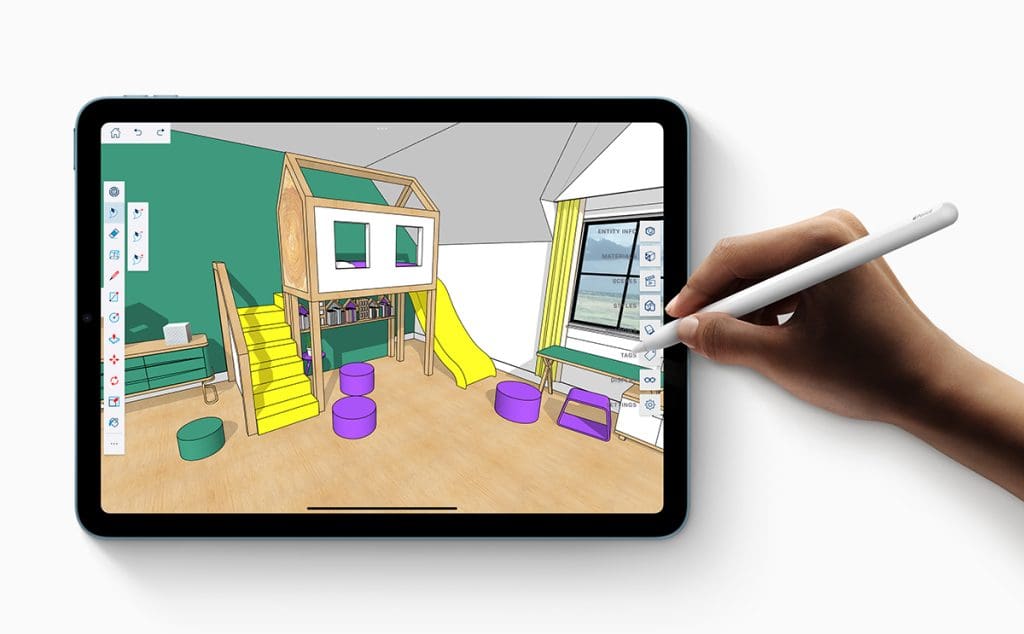
The iPad Air (5th-Generation) is arguably the most value-for-money offering on this list. It offers great value and brings with it a lot to like. It has a big display, promises very good battery life, and has a design that’s sleek and ergonomic. But above all, a clean and fast operating system.
But since this list is about the best tablets for watching movies, let’s just circle back to the display. After all, we’re here to talk about why the iPad Air (5th-Generation) is good for watching movies.
So, on the iPad Air (5th-Generation), we get a big 10.9-inch liquid Retina LCD display. This is supplemented using Apple’s True Tone feature. It can automatically optimize the screen’s color temperature based on ambient light. This is a 60Hz display, so it may not be the best for playing games. But the color accuracy of the panel ensures it provides a very enjoyable and immersive experience while watching movies.
Apart from this, it’s also important to note that the iPad Air 2022 is powered by Apple’s M1 chip. This has been proven to be one of the most powerful mobile chipsets for portable devices.
What We Like
What We Don’t Like
4. Samsung Galaxy S8+

The Samsung Galaxy S8+ is an option that’s a good fit for both work and play. It is powered by a flagship chipset and the lights on it are kept on using a big battery pack. But its main feature is certainly the massive 12.4-inch pixel-dense display which can run at a maximum resolution of 2800 x 1752 pixels.
Like most Samsung displays, this one is capable of reproducing rich and punchy colors which makes consuming content on the Tab S8+ a treat. Support for HDR and the panel’s high peak brightness also ensure that this tablet stands out as an ideal choice for watching movies and videos on the go.
But that’s not it. To make this an even better Android tablet, Samsung has equipped the Galaxy S8+ with a quad-speaker set-up. This combined with the fact that it also brings Dolby Atmos support, provides an impressive proposition to listen to music, streaming shows, and movies.
What We Like
What We Don’t Like
5. Microsoft Surface Pro 9

The Surface Pro 9 is primarily a productivity tool that doubles up as a device for watching movies and shows as well. While it’s not the most lightweight and sleek, it is still very ergonomic and also houses a big display.
Its 13-inch touchscreen panel is bright and produces vibrant colors and can run at a maximum resolution of 2880 x 1920 pixels. It runs at a 60Hz refresh rate by default, but the display can be set to operate at 120Hz for games and other applications that can take advantage of this feature.
Depending on your usage, the Surface Pro 9 can be purchased with either an Intel Core i7 chip or an ARM-based mobile SoC. However, it’s important to note that the i7 variant of the Surface Pro 9 does not offer as good battery life as the other variant.
What We Like
What We Don’t Like
6. iPad Pro (6th-Generation)
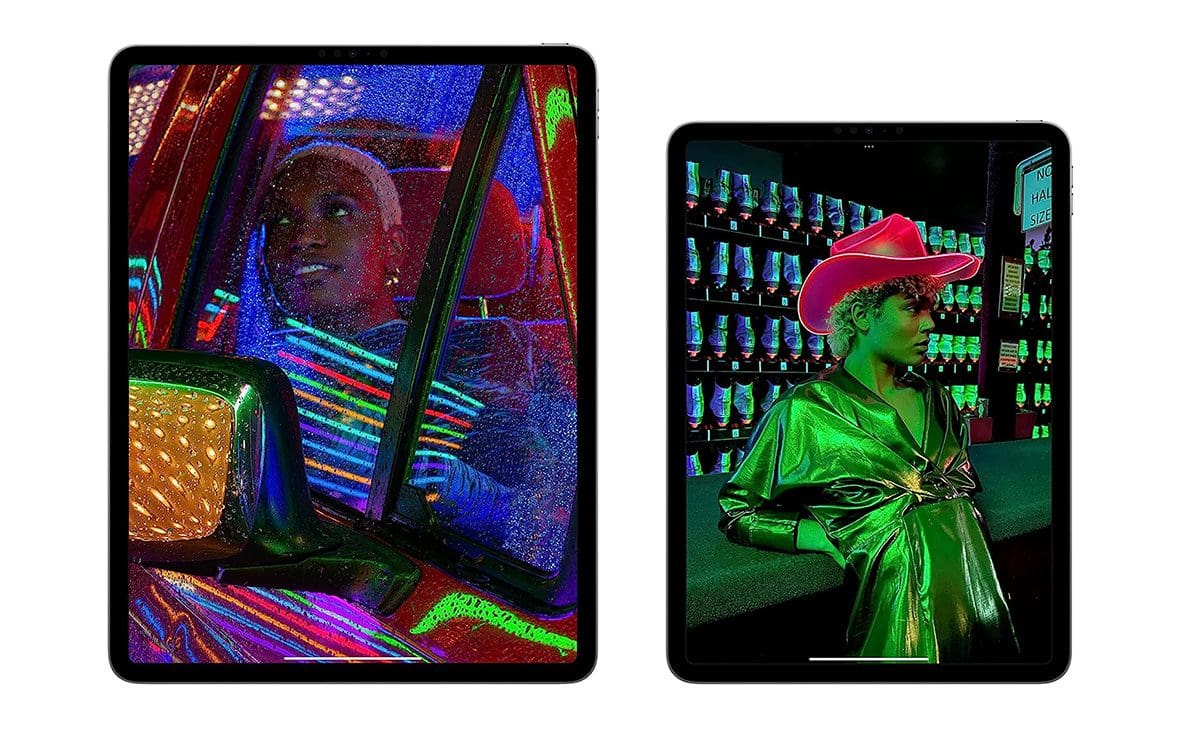
The latest generation iPad Pro is the ultimate work-and-play tablet that money can buy. It’s not the most affordable tablet on the list, but it brings enough in terms of features and hardware under the hood to justify the price.
For instance, it is powered by Apple’s M2 chipset. It’s the most powerful SoC available for tablets and smartphones at the moment and is capable of handling any and everything without any trouble that the App Store can throw at it.
Then there’s the 12.9-inch XDR mini-LED screen which offers support for HDR content. This display is the brightest on an iPad to date at 1600 nits. It is also extremely crisp because of its high pixel density. This display can cover the entire gamut of the DCI-P3 color space and also offers excellent dark scene performance. Making it one of the best, if not the best tablets for watching movies and shows.
What We Like
What We Don’t Like
All tablets mentioned in this list are good options and will provide an enjoyable viewing experience on Netflix. However, if you have to choose one, our recommendation would be to go for the Galaxy S8+ as it offers punchy colors and vibrant visuals to match the content mastered for Netflix.
If you want to watch movies on the go, the best bet from the list would be the iPad Pro (6th-Generation) It offers a big 12.9-inch display which is also plenty bright for use even under direct sunlight. It also comes with good speakers which can improve the experience of watching movies and shows on the tablet.
Time to Decide
So if you’ve decided to get yourself a new tablet for watching movies and shows, then we hope this list helped. But if you’re still left undecided, let us help. The iPad Air is arguably the best tablet for watching movies and that too without breaking the bank. But if you’re ready to spend a little extra, then the Samsung Galaxy S8+ or the iPad Pro are also good options.
Was this helpful?
Last updated on 05 July, 2023
Read Next
 10 Creative Uses for Chromecast Beyond Watching Movies
1.
10 Creative Uses for Chromecast Beyond Watching Movies
1.
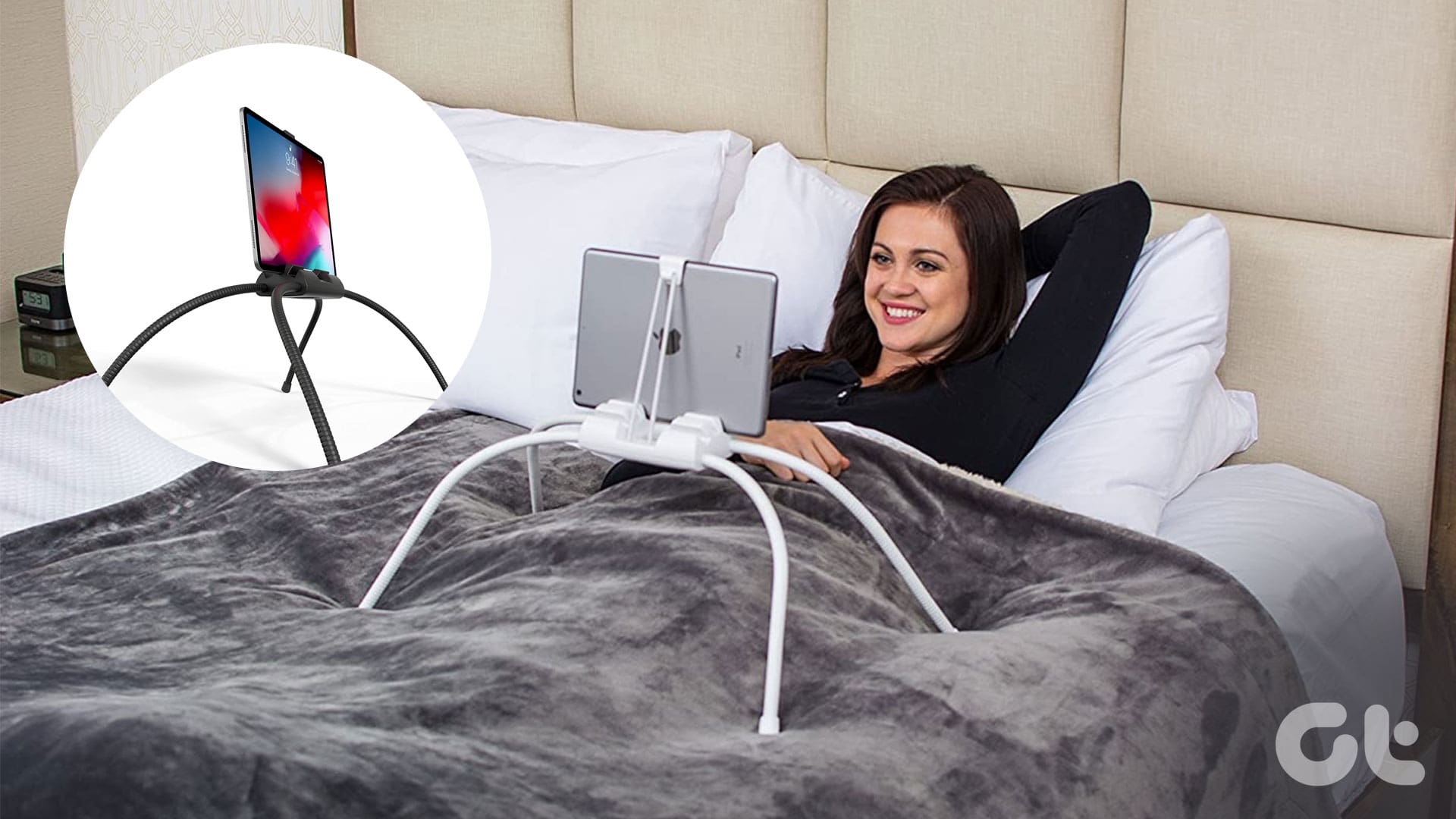 5 Best iPad Holders for Bed for Reading, Watching Movies, and More
Are you tired of holding your iPad awkwardly while trying to watch your favorite shows in bed?
5 Best iPad Holders for Bed for Reading, Watching Movies, and More
Are you tired of holding your iPad awkwardly while trying to watch your favorite shows in bed?
 Top 3 Apple TV Apps for Watching Personalized News
Personalized news has been on the rise for years and it makes sense.
Top 3 Apple TV Apps for Watching Personalized News
Personalized news has been on the rise for years and it makes sense.
 How to Multitask While Watching a Video on Android
While watching a Samsung Galaxy S3 promotional video on YouTube the other day, one feature that really impressed me was the ability to pop up the video player and view
How to Multitask While Watching a Video on Android
While watching a Samsung Galaxy S3 promotional video on YouTube the other day, one feature that really impressed me was the ability to pop up the video player and view
 Play Solitaire in Windows 10 Without Paying, Watching Ads
When Windows 10 came out, the internet was abuzz with stories of how Microsoft was now showing unskippable video ads after each session of Solitaire.
Play Solitaire in Windows 10 Without Paying, Watching Ads
When Windows 10 came out, the internet was abuzz with stories of how Microsoft was now showing unskippable video ads after each session of Solitaire.
 Bookmark Online Videos For Watching Later With Radbox
While you could always use the conventional bookmarking methods to save online videos, it’s always great to have a service dedicated to videos that has a neat interface showing all
Bookmark Online Videos For Watching Later With Radbox
While you could always use the conventional bookmarking methods to save online videos, it’s always great to have a service dedicated to videos that has a neat interface showing all
 Reviewing the GOM Media Player For Windows for Watching Videos
With the tons of TV shows, movies, and documentaries out there in various different definitions and encoded in different codecs and formats, every user looks for the one player that
Reviewing the GOM Media Player For Windows for Watching Videos
With the tons of TV shows, movies, and documentaries out there in various different definitions and encoded in different codecs and formats, every user looks for the one player that
 18 Best Indian Web Series on YouTube That You Should be Watching Right Now
Entertainment is best served uncensored, however, in recent times, censor board restrictions have gotten more stringent.
18 Best Indian Web Series on YouTube That You Should be Watching Right Now
Entertainment is best served uncensored, however, in recent times, censor board restrictions have gotten more stringent.
The article above may contain affiliate links which help support Guiding Tech. The content remains unbiased and authentic and will never affect our editorial integrity.

