

YouTube introduced the ‘Add To Queue’ feature for mobile and desktop users to list all their favorite videos and binge-watch them. This is a better way to watch multiple videos from your subscription feed than add them to Watch Later.

But some users report that ‘Add to queue’ is not working in the YouTube app on their iPhone and Android. This prevents them from watching all videos at once. If you encounter the same issue, here are a few troubleshooting methods to fix the ‘Add To Queue’ not working on the YouTube app on iPhone and Android.
1. Use YouTube Premium
This is a feature available for YouTube Premium users. If you can’t add videos to the queue, you need to check if you are using the YouTube Premium subscription on your account. In you are using somebody else’s Google account, check whether that person has subscribed to YouTube Premium. You can read our post on the best YouTube Premium features if you need help about the membership. Usually, some smartphone brands offer free 3 months worth YouTube Premium on new Android phones. So check whether your free period has expired.
2. Disable Inline Playback
Inline Playback is a new feature introduced by YouTube that starts playing the video when you stop at a video thumbnail for more than 2-3 seconds while browsing the app. Some users on Reddit reported that disabling this feature resolved the issue of YouTube’s ‘Add to queue’ missing. So we will suggest you try this troubleshooting method. The steps remain the same for Android and iPhone users.
Step 1: Open YouTube on your iPhone or Android.
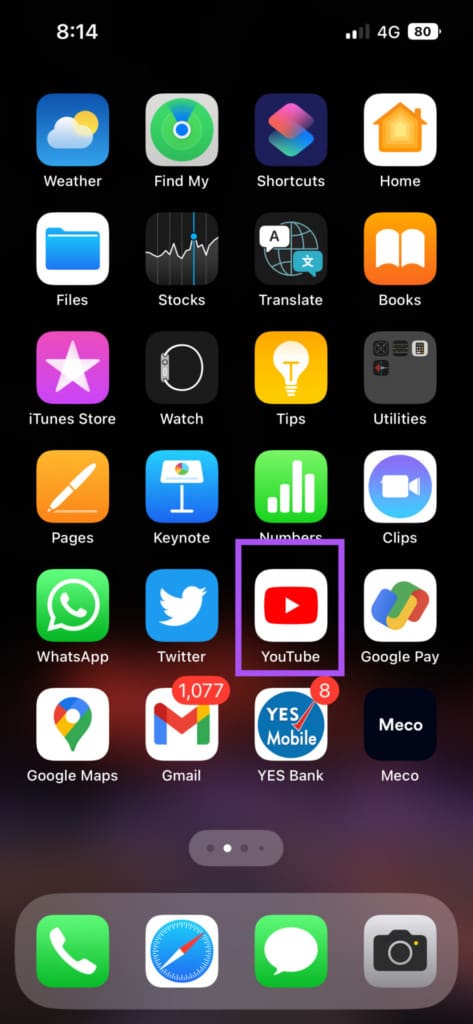
Step 2: Tap the profile icon at the top-right corner.

Step 3: Select Settings from the list of options.

Step 4: Tap on General.
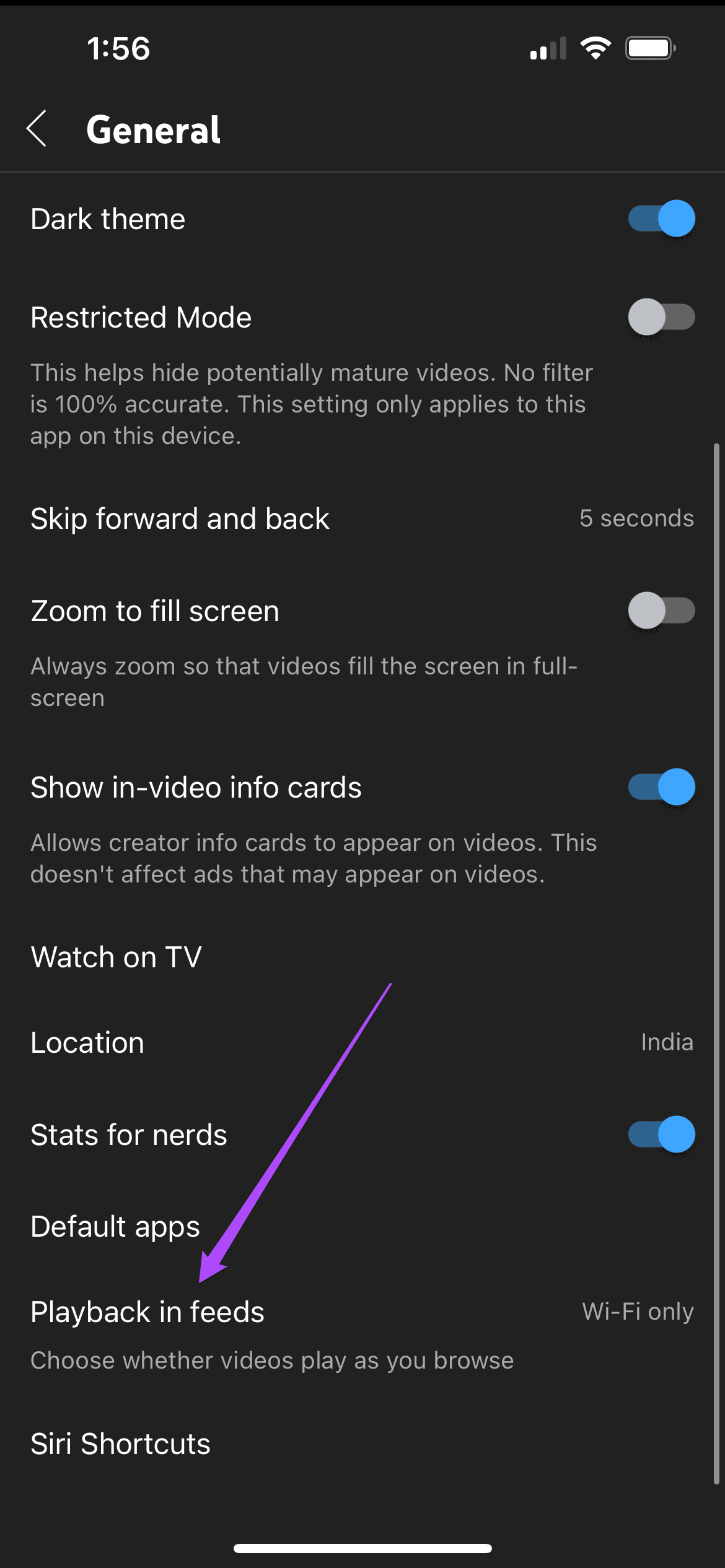
Step 5: Tap on Playback in Feeds.

Step 6: Select Off to disable the feature.

Step 7: Return to your feed and check if the problem is solved.
3. Check Your Internet Speed
If ‘Add To Queue’ still doesn’t work in the YouTube app on your iPhone or Android, check your internet speed. If you wish to add multiple videos or have added multiple videos, you need a stable internet connection for smooth, continuous playback in the app. If you are outdoors, the mobile data speeds might not be great at your current location. We suggest switching to a Wi-Fi network. This helps if you are watching 4K resolutions videos on YouTube.
4. Force Quit and Relaunch YouTube App
An effective solution for the same issue is to force quit and relaunch the YouTube app on your iPhone or Android. This will give the app a fresh start.
On iPhone
Step 1: On the home screen, swipe up and hold to reveal the background app windows.
Step 2: Swipe right to look for YouTube. Then swipe up to remove the app.
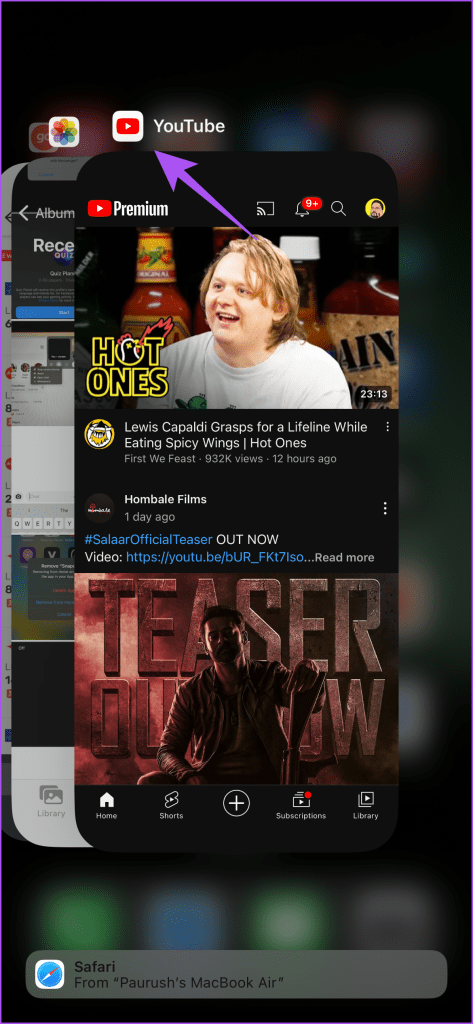
Step 3: Relaunch YouTube and check if the problem is solved.
On Android
Step 1: Long-press the YouTube app icon and tap on App Info.

Step 2: Tap on Force Stop.

Step 3: Tap on Ok to confirm.

Step 4: Close App Info and open YouTube to check if the problem is solved.

5. Update Youtube
The last resort is to update the version of the YouTube app on your iPhone or Android. There might be some bugs in the current version causing this issue. You can use the following links to update the app per your device.
Add Videos to Queue on YouTube
These solutions will help to resolve the issue of ‘Add To Queue’ not working in the YouTube app on your Android or iPhone. You can use this feature to watch videos with your friends and family. But in case they are not around and sitting right next to you, it is still possible to watch the same YouTube videos with them. Thanks to the new feature of Google Meet Live Sharing that lets you watch YouTube videos by inviting your friends and family via the Google Meet app.
Was this helpful?
Last updated on 07 July, 2023
Read Next
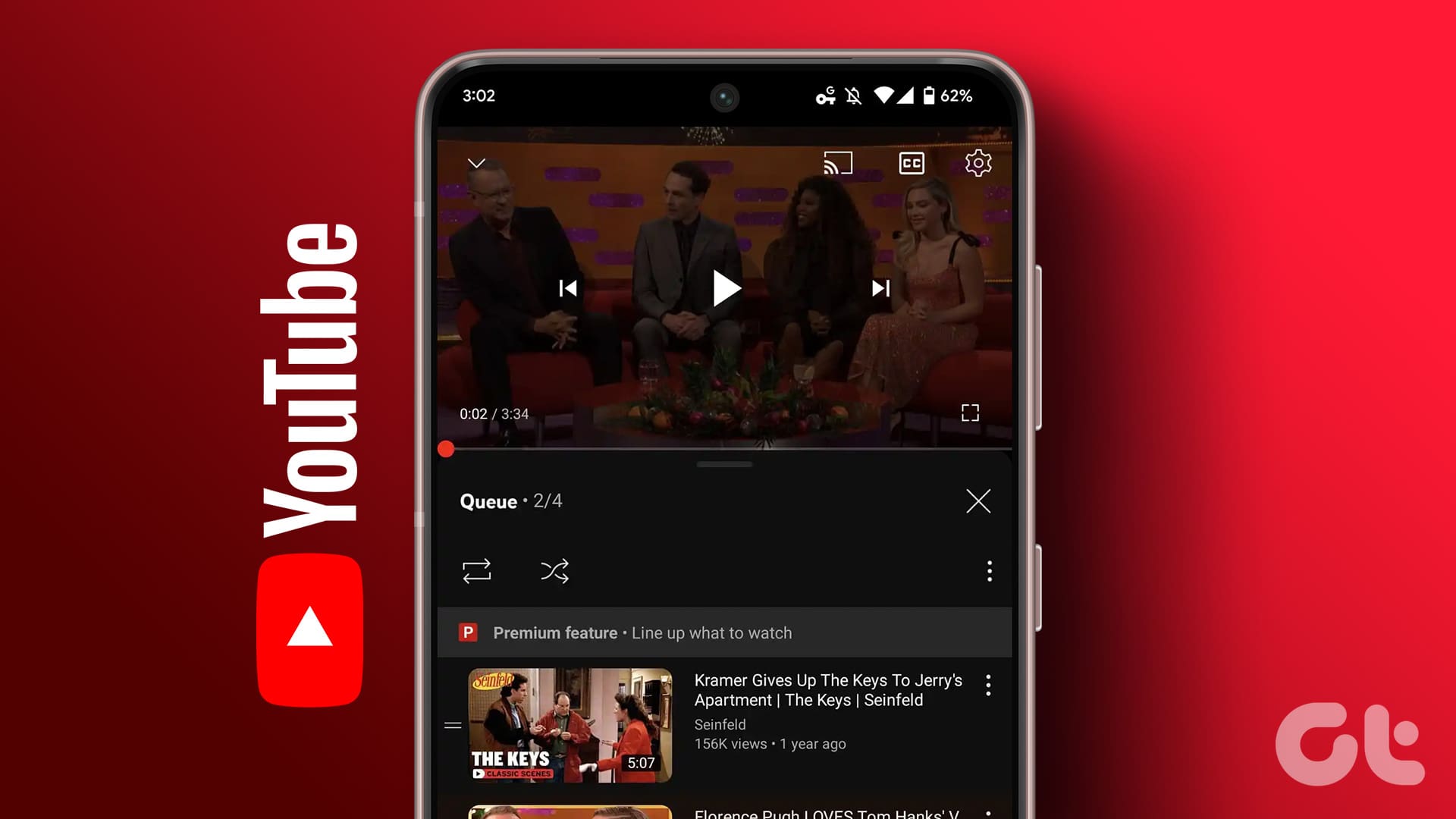 How to Use ‘Add To Queue’ Feature in YouTube on Web and Mobile
YouTube continues improving its platform's video viewing experience by adding new features.
How to Use ‘Add To Queue’ Feature in YouTube on Web and Mobile
YouTube continues improving its platform's video viewing experience by adding new features.
 How to Clear Queue on Spotify Using iPhone, Android, and Desktop
Do you switch songs depending on your mood or the work you do?
How to Clear Queue on Spotify Using iPhone, Android, and Desktop
Do you switch songs depending on your mood or the work you do?
 How To Queue Songs Without Making a Playlist on iPhone
As capable as the native Music player app for the iPhone and other iOS devices is, it still has its limitations that even several iterations haven’t been able to fix.
How To Queue Songs Without Making a Playlist on iPhone
As capable as the native Music player app for the iPhone and other iOS devices is, it still has its limitations that even several iterations haven’t been able to fix.
 How to Clear Current Print Queue In Windows Vista & Windows 7
While printing documents one after the other in Windows Vista / Windows 7, your print job may get stuck sometime.
How to Clear Current Print Queue In Windows Vista & Windows 7
While printing documents one after the other in Windows Vista / Windows 7, your print job may get stuck sometime.
 Printflush is a Tiny Tool To Clear Print Queue and Print Jobs
Print jobs getting stuck in the print queue is a common problem people face while printing in Windows.
Printflush is a Tiny Tool To Clear Print Queue and Print Jobs
Print jobs getting stuck in the print queue is a common problem people face while printing in Windows.
 6 Best Fixes for Android Keyboard Not Working in YouTube App
The keyboard on your Android usually works well with most apps.
6 Best Fixes for Android Keyboard Not Working in YouTube App
The keyboard on your Android usually works well with most apps.
 7 Best Fixes for YouTube Autoplay Not Working Error
YouTube studies your behavior and how you interact with the platform on mobile or desktop.
7 Best Fixes for YouTube Autoplay Not Working Error
YouTube studies your behavior and how you interact with the platform on mobile or desktop.
 8 Best Fixes for YouTube Not Working in Firefox on Mac
Mozilla Firefox browser lets you watch your favorite YouTube videos with ease.
8 Best Fixes for YouTube Not Working in Firefox on Mac
Mozilla Firefox browser lets you watch your favorite YouTube videos with ease.
The article above may contain affiliate links which help support Guiding Tech. The content remains unbiased and authentic and will never affect our editorial integrity.

