

The Kindle Scribe is a unique device. You can read your favorite novels, and scribble or write on it. The latter means that you can journal your thoughts or doodle your favorite characters. But, the Amazon Kindle Scribe is an expensive device, and you’d want to keep it in top-notch condition. If you are not too keen on adding a case or cover, a screen protector for your Kindle Scribe should be on your buying list.
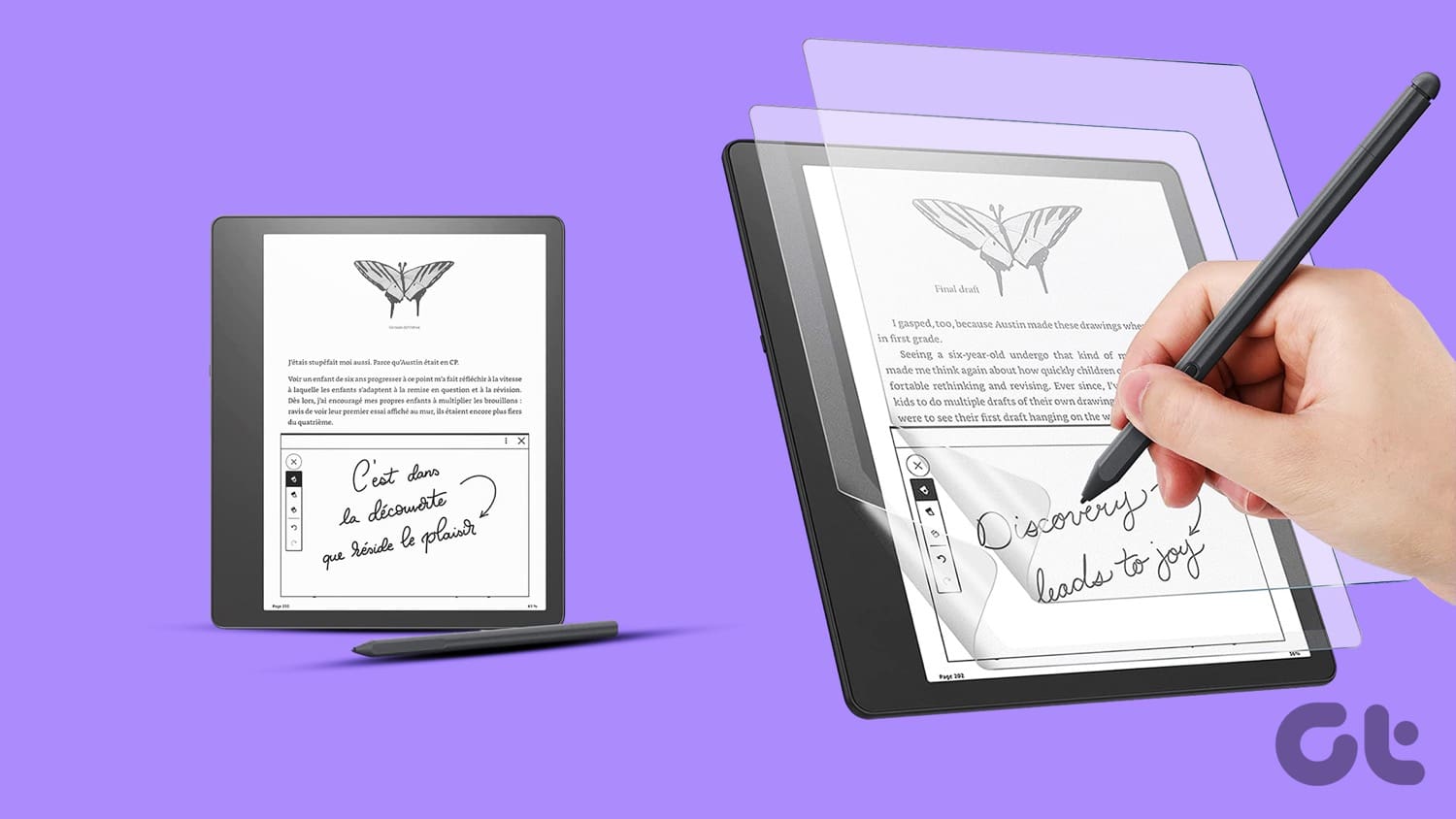
These screen protectors help to prevent undue scratches and marks on the Scribe. At the same time, some of these protectors help bring a paper-like feel to the table. Do note that a screen protector can change the texture of the surface. Also, if you already have a case or cover for your Kindle Scribe, putting in an additional screen protector is not recommended.
If you are keen to experiment, here are the best Kindle Scribe screen protectors for you. Let’s check them out. But first,
- Check out these Kindle battery-draining fast tips and tricks
- Looking to buy rugged tablets? We have compiled the list. Check ’em out.
1. Thankscase Paperfeel Screen Protector for Amazon Kindle Scribe

If you are looking for a paper-like feel while doodling and writing on your Kindle Scribe, you can’t go wrong with the Thankscase Paperfeel Screen Protector. The highlight of this protector is its ability to replicate the feel of writing on heavy paper. It comes with added features like protection against sweat and oil.
Plus, it advertises an anti-fingerprint feature. Further, the clear and glare-free surface means you can continue reading (and writing) without any distractions. Note that the matte surface means you will require a little time to get used to it. The Thankscase screen protector is not smooth. However, it does the job of keeping your Kindle Scribe safe from scratches and marks.
The installation process is easy. However, you’ll need to take the minimum precautions, like applying it in a dust-free room and wiping fingerprints and smudges from the surface beforehand. Like most screen protectors, this one is also prone to bubbles, and you’ll need to be extremely careful while applying it. For one, ensure that the surface is completely dry and apply even pressure through a flat card.
The Thankscase protector for the Kindle Scribe is well-liked by its users for its paper-like feel. If you are okay with the matte surface, it’s a worthy investment.
2. Supershieldz Anti-Glare Screen Protector

The Supershieldz protective screen cover brings an attractive bargain to the table. With it, you get three screen protectors for the same price. This allows you to keep the other two as a backup in case something goes wrong with the installation process. Notably, these are anti-glare protectors and do the job of keeping the screen of your Scribe safe during falls as well as from regular scratches and marks.
One of the major differences between the one above and the Supershieldz protective screen cover is the surface. It tries to retain the feel of the native surface of the Kindle Scribe. So, you shouldn’t find major differences between using this protective screen cover.
Again, it’s a matte screen and will deflect light and glare. However, some users have opined that reading smaller font and text makes it a little challenging to use. That said, the installation process is simple. And the PET material makes pushing out the bubbles simple should any air get trapped between the surface and the film.
It’s affordable, and you can save money, especially if having a paper-like surface is not your foremost requirement.
3. Zeking Paperfeel Screen Protector
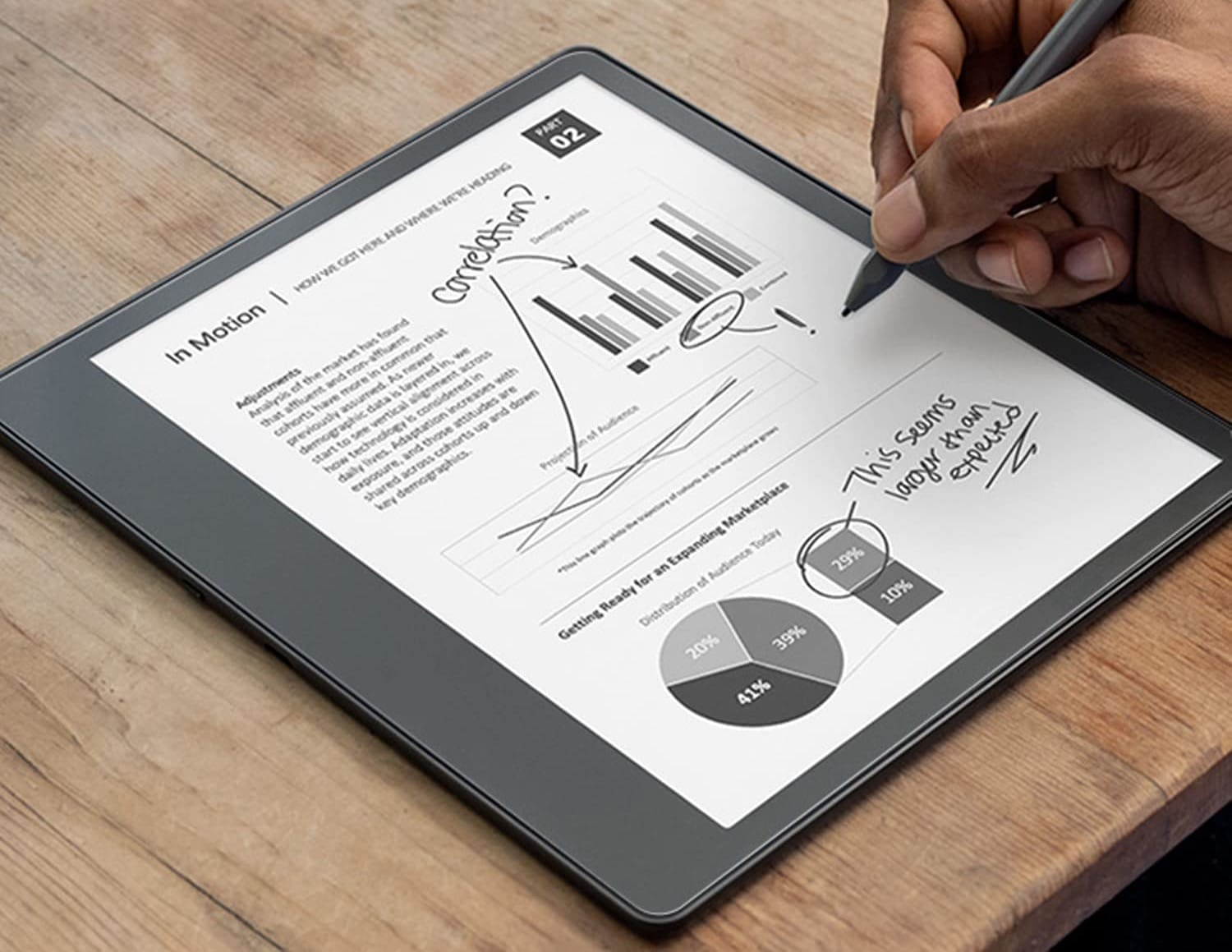
The Zeking screen protector for Kindle Scribe is another film that promises a paper-like feel. It’s a little expensive compared to the Thankscase case, but you get two screen protectors. It’s a PET film, which means it’s flexible enough. At the same time, the matte surface reduces glare.
The company promises a pencil-on-paper writing experience. At the same time, the matte surface lets you change pages quickly and easily.
Again, the Zeking Paperfeel is a non-tempered plastic protector, making it a little more durable than its counterparts.
4. atFoliX Hybrid Glass Protective Film
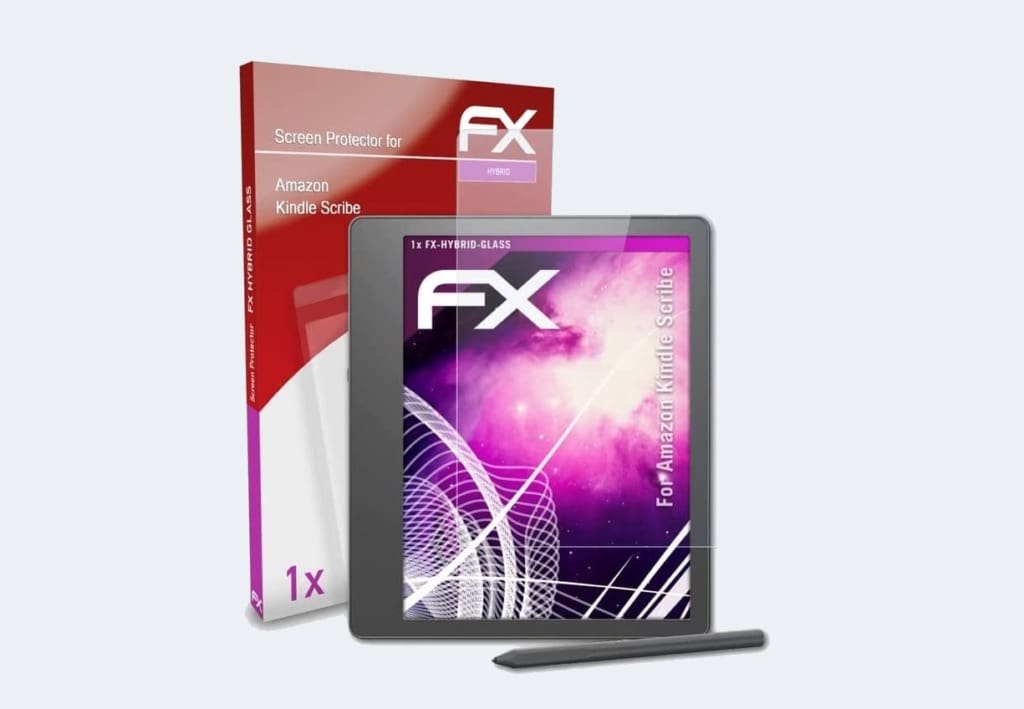
Another film to protect your Kindle’s screen is the one from atFoliX. It’s a little more expensive than the ones above and brings a hybrid glass to the table. It does away with the frills like anti-glare or anti-oil coating. On the upside, it does come with an oleophobic anti-fingerprint coating.
One of the major highlights of atFoliX’s hybrid glass screen protector is its installation process. Of the few reviews it has received, users have highlighted the easy installation process and fewer air bubbles in doing so.
This Kindle Scribe protective cover is a little on the slippery side of things. However, the odds are that you should be able to retain the same experience while writing or skipping through pages. It is 0.2mm thin and fits perfectly.
5. ArmorSuit MilitaryShield Screen

Last but not least, we have the anti-glare screen protector for Kindle Scribe from ArmorSuite. It prevents the occasional scratches and protects the screen in case of accidental falls and drops. The company claims that this screen has self-healing properties. Well, we will take that with a grain of salt.
That said, it has a good fit and is clear. Further, the anti-glare properties do their deed of deflecting lights and glare. When it comes to installation, the company ships quite a few items to ease the installation process. For example, it ships a solution to remove smudges, oil, and other residues from the Kindle Scribe’s screen. You also get an installation squeegee.
FAQs About Kindle Scribe Screen Protectors
Screen protectors for Kindles have been a polarising topic for a long time. The bottom line is you do not need a screen protector if you use a folio case. However, if you do not have a case on and want to keep scratches and other marks at bay, a screen protector for your Kindle Scribe is a worthy investment.
No, the Kindle Scribe doesn’t have a color screen. Instead, it comes with an E-Ink screen which gives a natural reading experience, thereby reducing headaches and other blue-light-induced side effects, which are usually seen when using a typical LCD screen.
Despite being an E-Ink device, the Kindle Scribe emits blue light. Thankfully, the blue light emitted is not as disruptive as compared to conventional devices with screens like tablets and smartphones.
The Kindle Scribe is not waterproof. So if you are thinking of taking it to the pool or by the beach, you’ll need to exercise caution and not subject it to water or excessive dust.
Write On
So these were some of the best Kindle Scribe screen protectors you can buy. We’d recommend applying these protective screen cover in areas with low dust and lint.
Was this helpful?
Last updated on 13 April, 2023
Read Next
 How to Take a Screenshot on Kindle, Kindle Paperwhite, and Kindle Oasis
The Kindle has to be one of our favorite purchases.
How to Take a Screenshot on Kindle, Kindle Paperwhite, and Kindle Oasis
The Kindle has to be one of our favorite purchases.
 Kindle vs. Kindle Paperwhite: Which Kindle Should You Buy
So, you recently discovered that using a Kindle is sustainable and efficient.
Kindle vs. Kindle Paperwhite: Which Kindle Should You Buy
So, you recently discovered that using a Kindle is sustainable and efficient.
 6 Best Amazon Kindle Scribe Covers and Cases
The Amazon Kindle Scribe is one of the largest eReaders from the house of Amazon, and boy does it pack a punch!
6 Best Amazon Kindle Scribe Covers and Cases
The Amazon Kindle Scribe is one of the largest eReaders from the house of Amazon, and boy does it pack a punch!
 4 Best Kindle Scribe Alternatives: Take Notes in Style
The Kindle Scribe has a large notebook-like size and lets you scribble notes.
4 Best Kindle Scribe Alternatives: Take Notes in Style
The Kindle Scribe has a large notebook-like size and lets you scribble notes.
 5 Best Samsung Galaxy Tab S8 Ultra Screen Protectors
Samsung's Galaxy Tabs are Android’s answer to Apple iPad Pro tablets.
5 Best Samsung Galaxy Tab S8 Ultra Screen Protectors
Samsung's Galaxy Tabs are Android’s answer to Apple iPad Pro tablets.
 6 Best Screen Protectors for Google Pixel 6a
Got yourself a brand new Google Pixel 6a?
6 Best Screen Protectors for Google Pixel 6a
Got yourself a brand new Google Pixel 6a?
 5 Best Apple iPhone 14 Pro Screen Protectors
iPhone 14 Pro series receives one of the biggest redesigns on the display front.
5 Best Apple iPhone 14 Pro Screen Protectors
iPhone 14 Pro series receives one of the biggest redesigns on the display front.
 4 Best Screen Protectors for OnePlus 11
The OnePlus 11 is a well-oiled machine and the device goes head-to-head with competing heavy-duty flagships in the camera and performance department.
4 Best Screen Protectors for OnePlus 11
The OnePlus 11 is a well-oiled machine and the device goes head-to-head with competing heavy-duty flagships in the camera and performance department.
The article above may contain affiliate links which help support Guiding Tech. The content remains unbiased and authentic and will never affect our editorial integrity.

